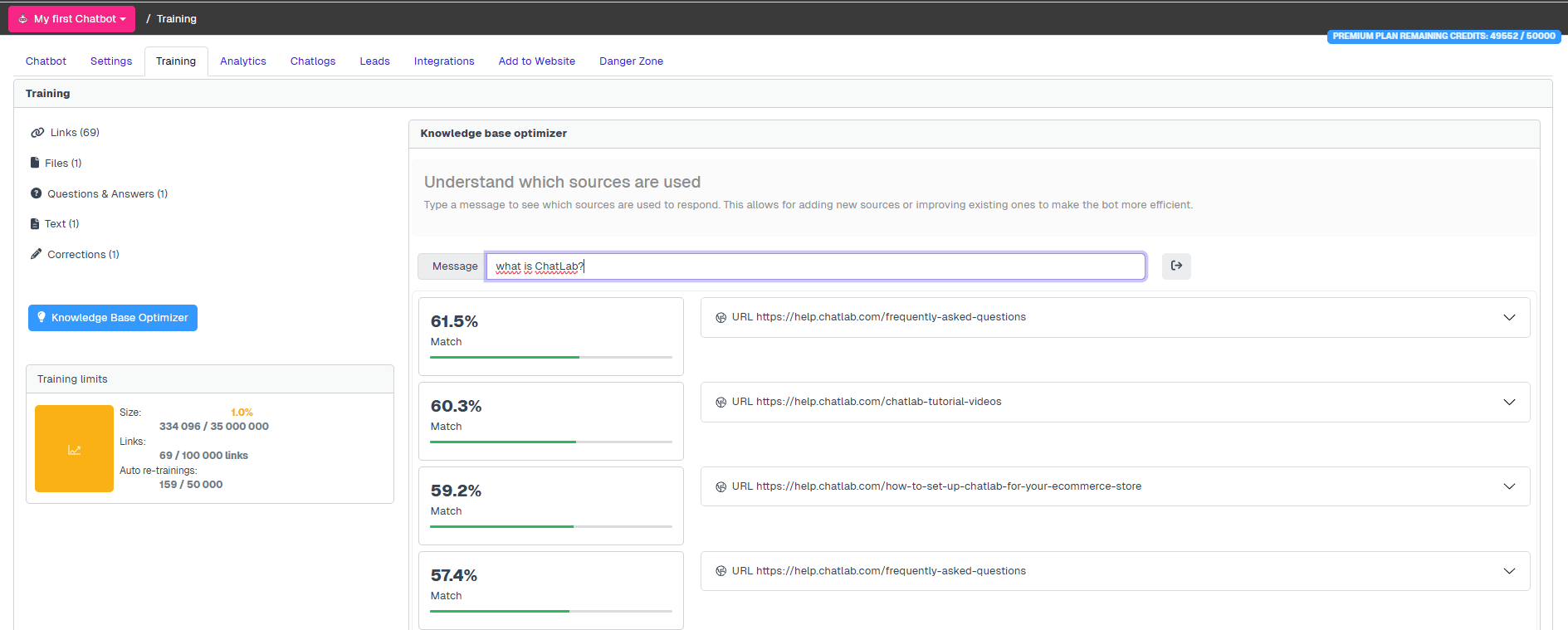
Knowledge Base Optimizer is a powerful tool that allows you to:
-
Identify which training data is being utilized in your knowledge base
-
Verify that you have the correct and most up-to-date training data
-
Make necessary corrections or updates to your training data if discrepancies are found
By using this tool, you can ensure that your knowledge base is always optimized with the most accurate and relevant information.
Where Can I Find it
Select the chatbot on which you want to operate in the main chatbots dashboard, go to Settings tab and in the left menu select Knowledge Base Optimizer.
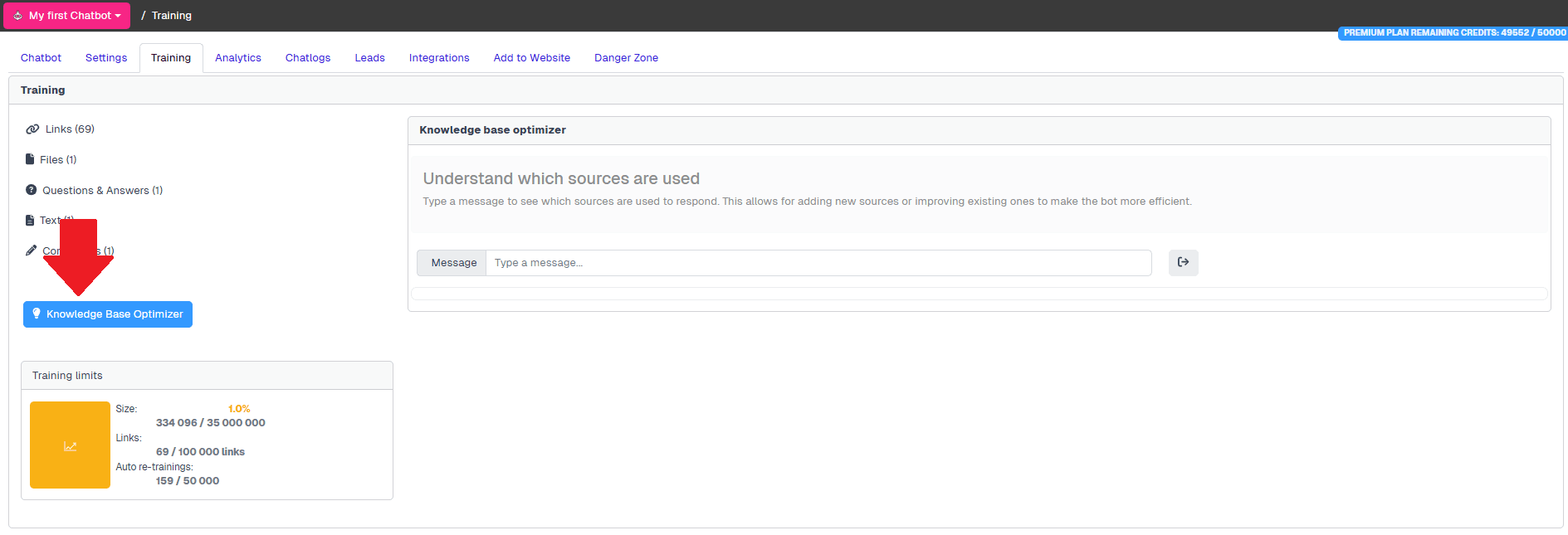
Now you can test if the knowledge base answers for your questions and which sources will be used for the response. ChatLab will use all the sources returned as the result of this search.
The order of the returned results is not important - AI will use all the results provided.