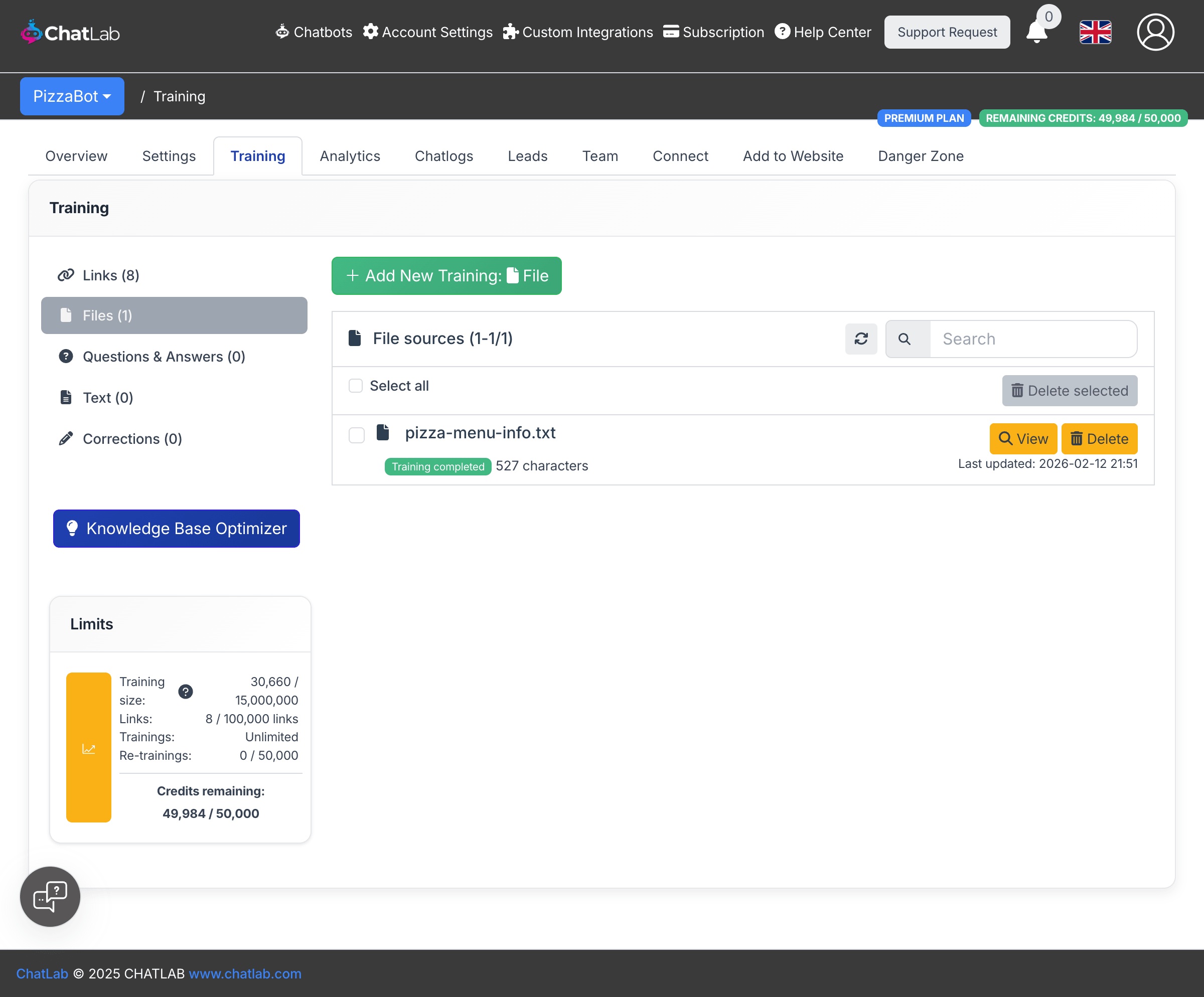
Upload files to add documents directly to your chatbot's knowledge base. ChatLab extracts text from your files, processes the content, and makes it available for the chatbot to reference when responding to user queries.
Where to find file upload
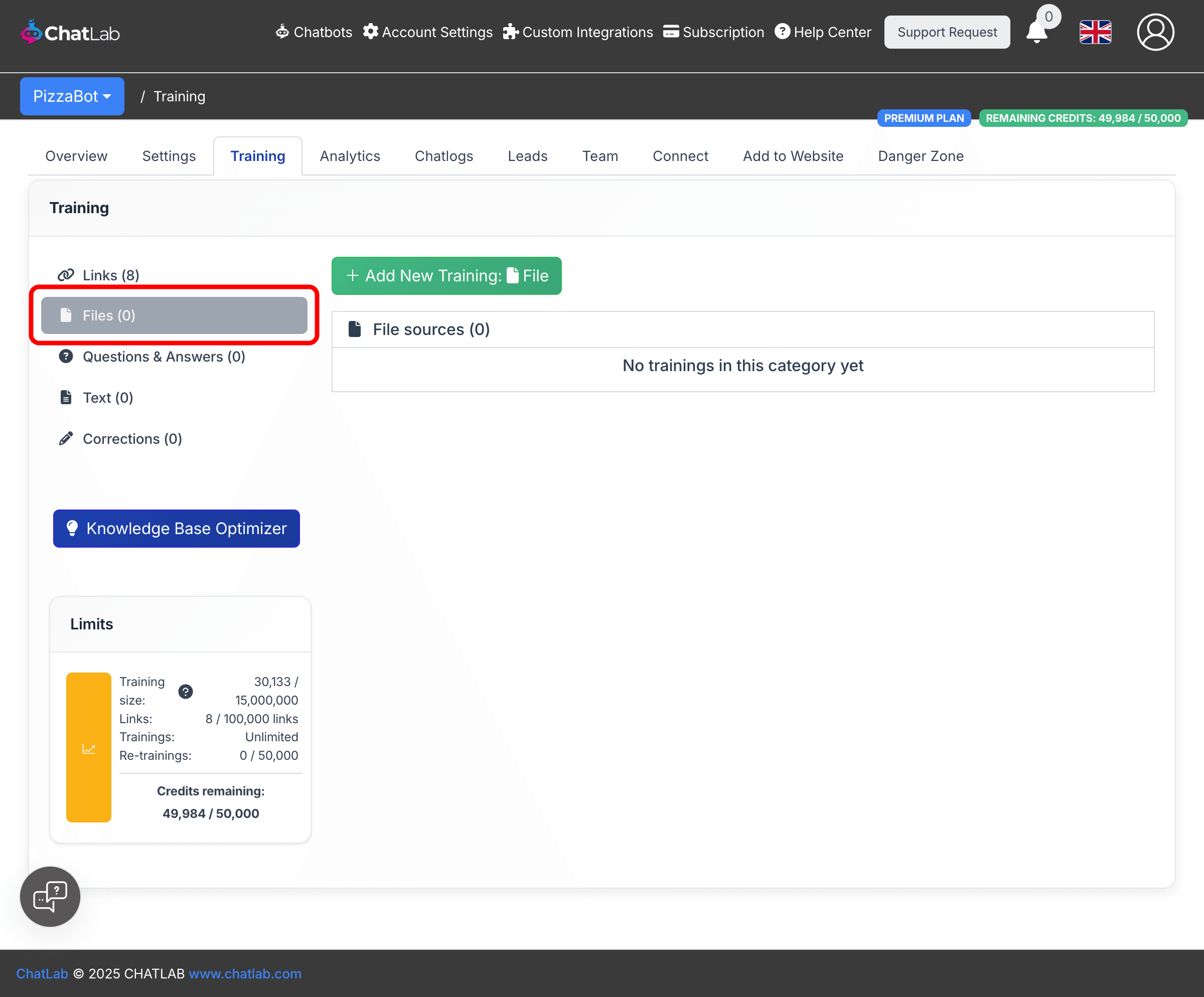
From the main menu, select Chatbots, click on your chatbot, then select the Training tab. In the left sidebar, click Files.
How to add files
- Click the Add New Training: File button at the top of the page.
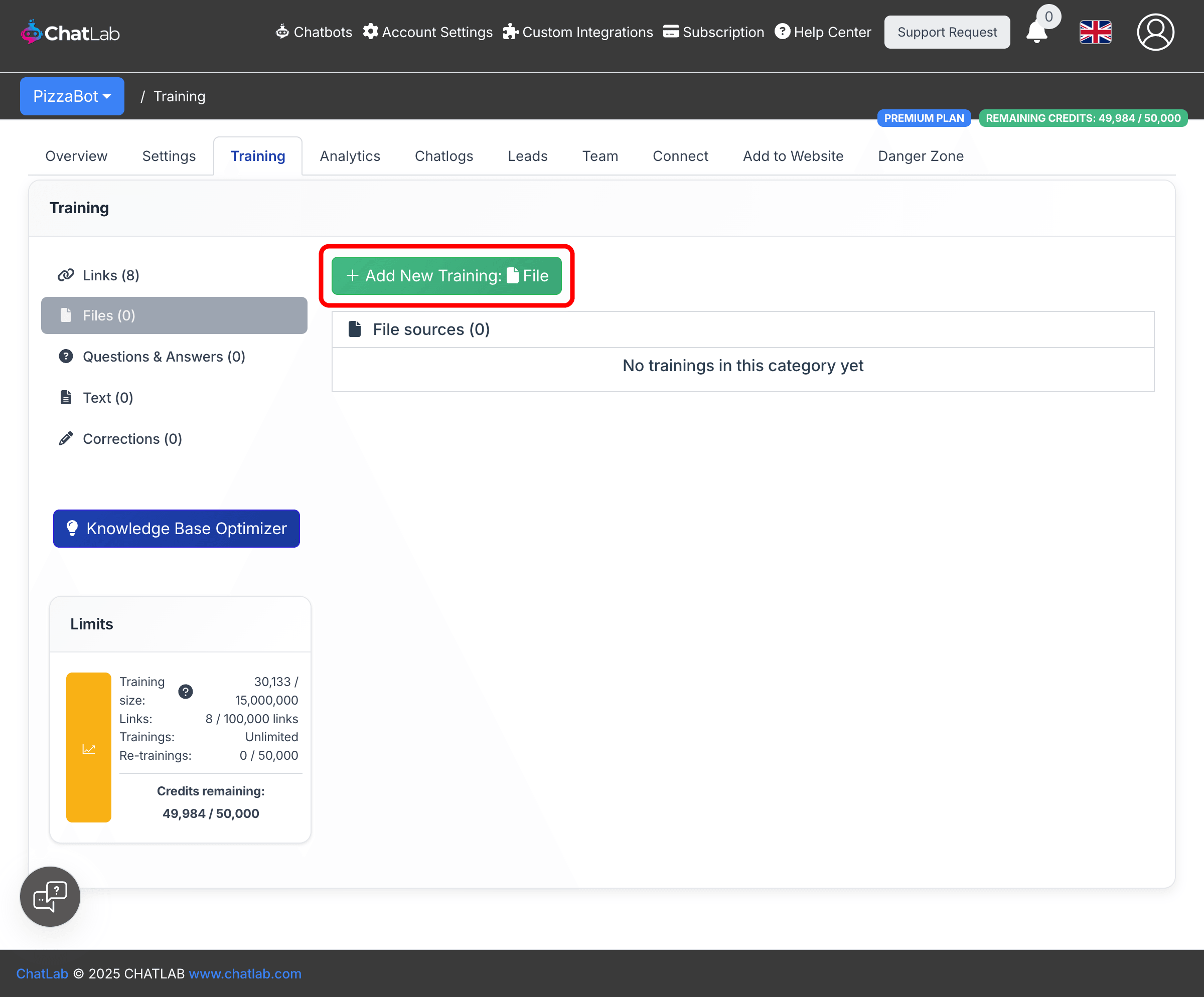
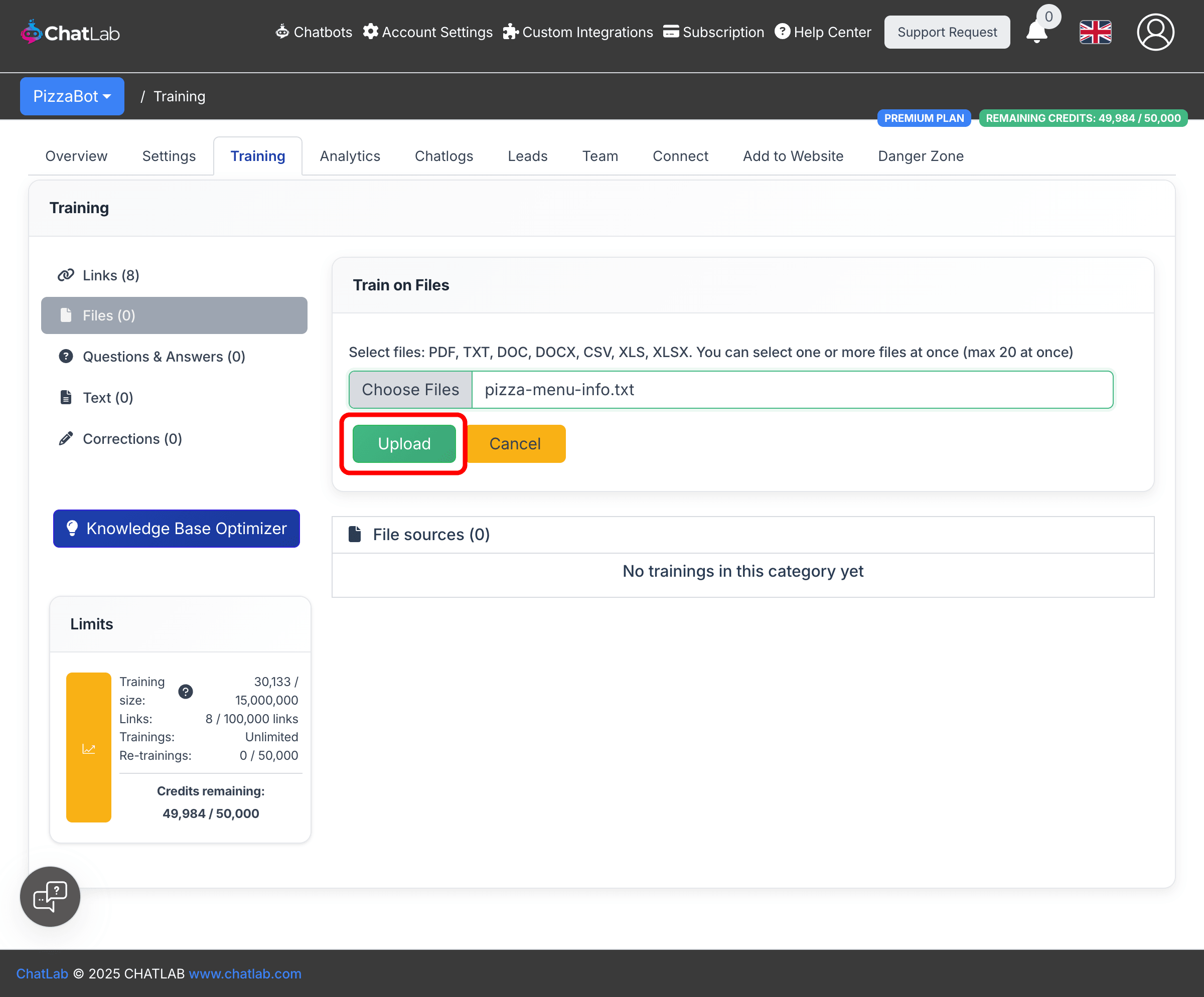
- Click Choose Files to open the file picker. Select one or more files from your computer. Supported formats: PDF, TXT, DOC, DOCX, CSV, XLS, XLSX. You can select up to 20 files at once (max 20 MB per file).
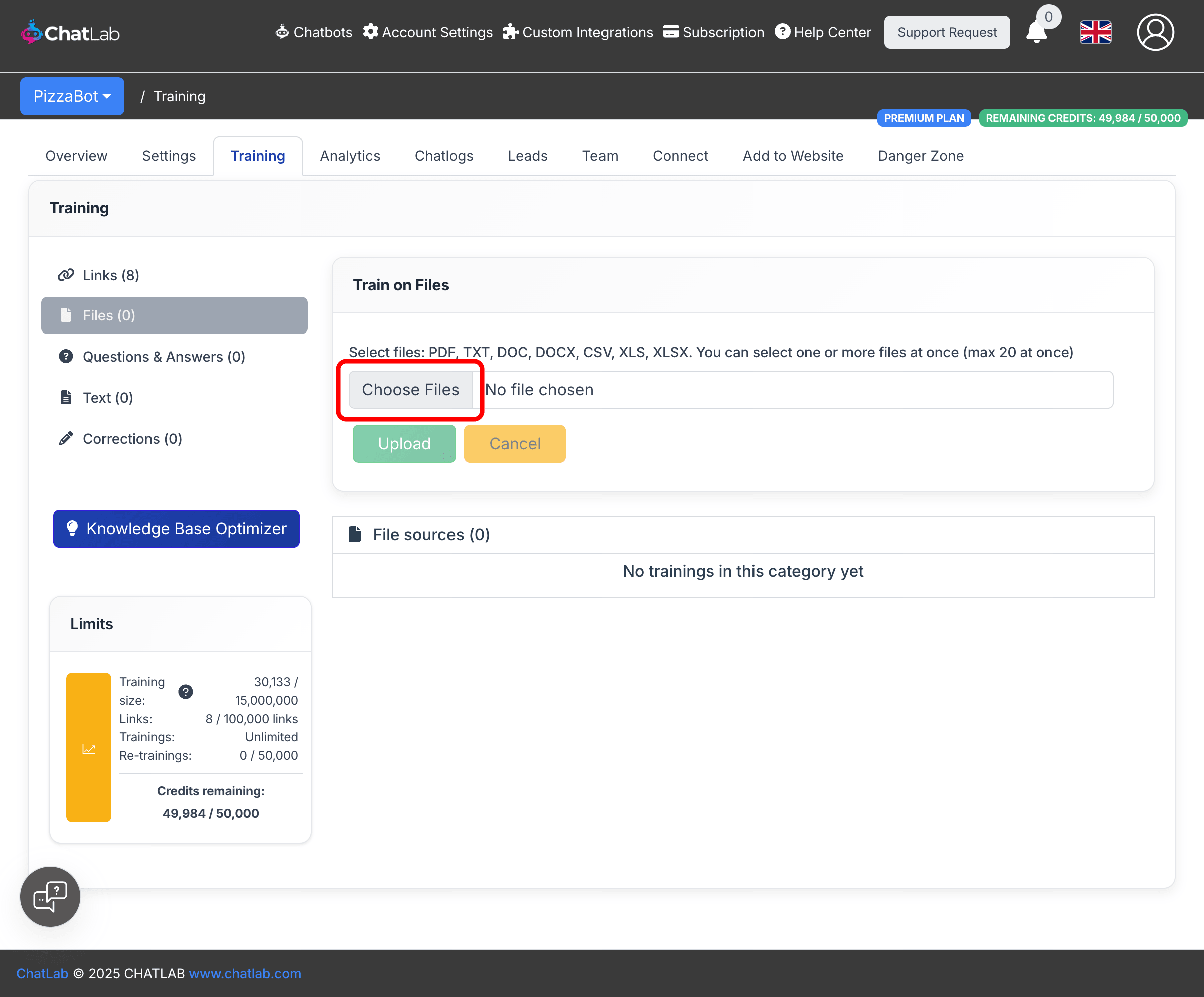
- After selecting your files, click Upload to start the upload and training process.
How file processing works
After you click Upload, ChatLab processes your files in the background:
- Upload -- Your files are sent to the server.
- Processing -- ChatLab extracts text content from each file.
- Training -- The extracted data is indexed and integrated into your chatbot's knowledge base.
You will see a confirmation message once the upload is complete. Training continues in the background, so you can leave the page and come back later.
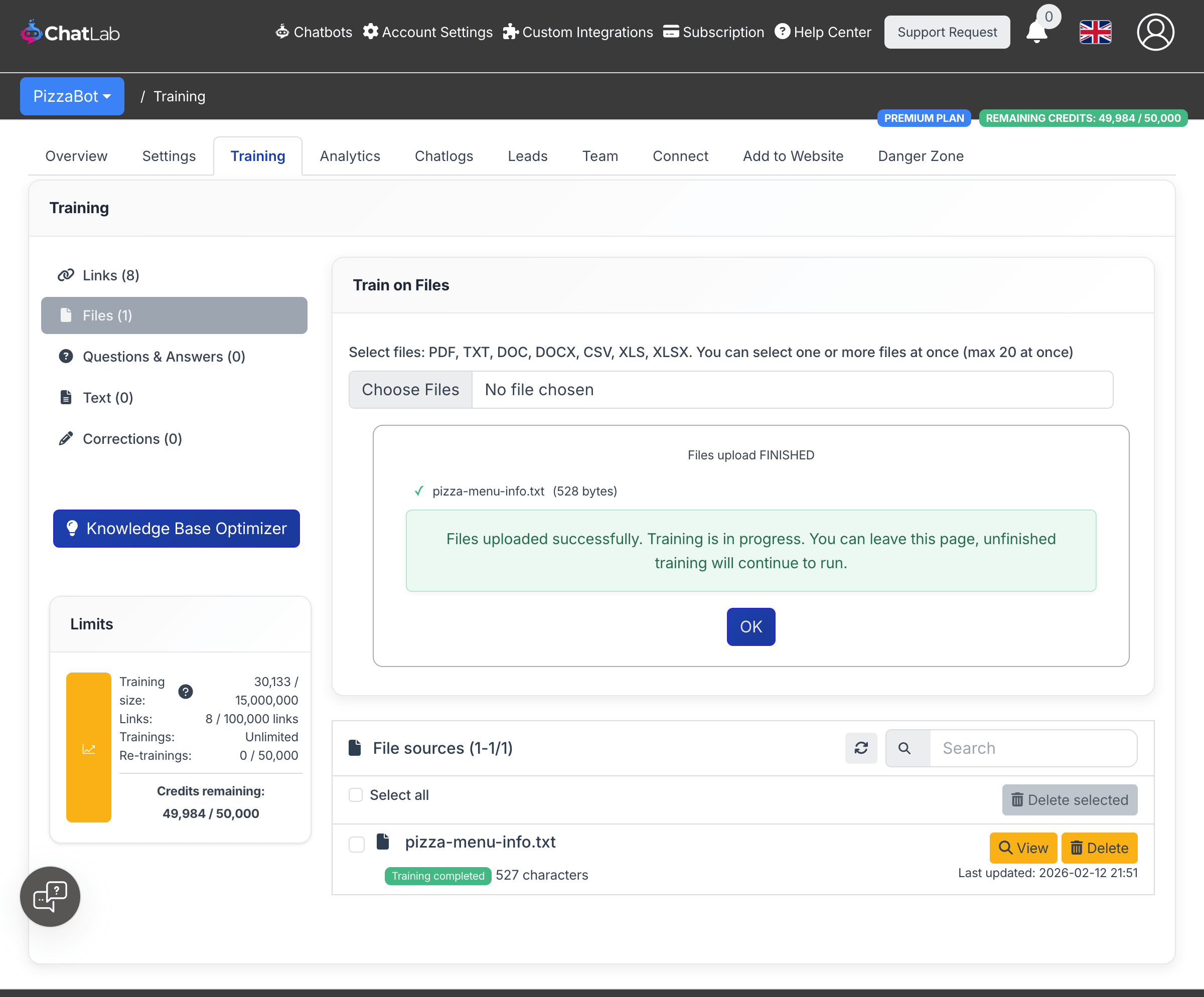
Once training is finished, your files appear in the File sources list with a green "Training completed" status. Each file shows the character count and the date it was last updated. You can use the View button to inspect the extracted content, or Delete to remove it.