
Shop platforms · Abicart

ChatLab for AbicartSupport and sales, 24/7

The agent reads your Abicart catalogue and orders through the API: products with article numbers, payment and delivery status with tracking. Answers in 80+ languages, Swedish included.

No credit card required

AbicartConnected to ChatLab
Recorded demo · YourWear
ReadsProducts, article numbers, ordersLive queries, no catalogue sync.
ConnectsAbicart API credentialsRead access to products and orders.
TakesAbout 5 minutesThree steps, no code.
What you get

What the assistant does in your Abicart store.

Product search in your store

The assistant passes the customer's phrase to your Abicart store search and answers with what the store returns. Nothing to index and nothing to keep in sync.

Product cards in the chat

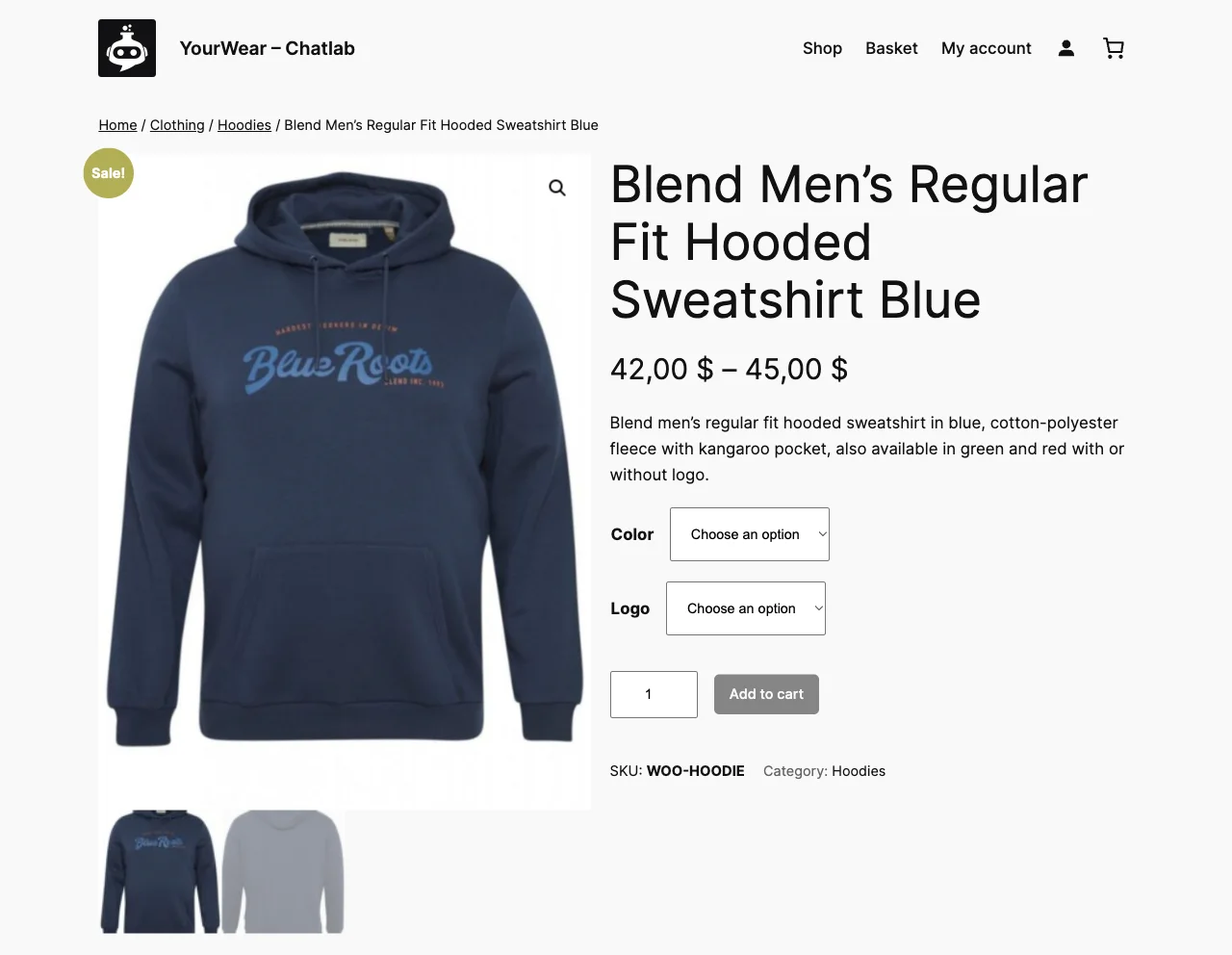
Products appear as cards with photo, price and a link straight to the product page in your Abicart store.

Live stock and variants

Availability, sizes and variants are checked in your store at the moment of the answer, with an alternative when something is sold out.

Delivery and returns answers

The assistant learns your delivery, returns and payment pages and answers while the customer is still deciding.

Store analytics

A dashboard of products shown, clicked and added to the cart, their value, the conversation funnel and your top products.

AI Sales Tips

A weekly list of what to fix: products customers ask for and you do not have, questions that repeat, places where a sale was lost.

Setup

How to connect. Three steps, no code.

  1. 01

    Get your Abicart API credentials

    Create API access in the Abicart admin and copy the credentials.

  2. 02

    Connect the store in ChatLab

    Open your bot, go to Connect, pick Abicart and paste the credentials. ChatLab checks the connection on the spot.

  3. 03

    Add the widget to your store

    Paste the snippet from Add to Website into your Abicart theme.

Guide

Every screen of the setup, with screenshots, in the help centre.

Read the guide
Live shop

A real online store with a real catalogue. Ask for anything and check an order.

Open the live shop demo
Features that sell

From the first question to the basket and beyond.

The real widget on our demo store. The assistant finds the product, helps pick the variant, puts it in the cart, speaks first when a customer hesitates and shows you what it sold.

01 · Lead collection

Turns interest into a lead

When a customer wants an individual offer, the assistant asks for what it needs - size, option, e-mail and phone - confirms the details and saves the lead with the product attached. Your team gets a contact that already says what the customer wants.


02 · Store analytics

Shows what it sold

The store dashboard counts products shown, clicked and added to the cart, the value of what landed in the basket, the product and conversation funnels and your top products. Every week AI Sales Tips point to products customers asked for and you do not have, and to places where a sale was lost.

Customers

Two shops. What changed after they switched the agent on.

Questions

Frequently asked questions.

Connect your Abicart store and let the agent take the evening shift.

Connect it once. The agent reads the live data on every conversation, so there is nothing to keep in sync.