Add plain text directly to your chatbot's knowledge base. This is useful for quick additions, custom content that does not exist in a file or on a website, or when you want to type specific knowledge for your chatbot without creating a document first.
Where to find text training
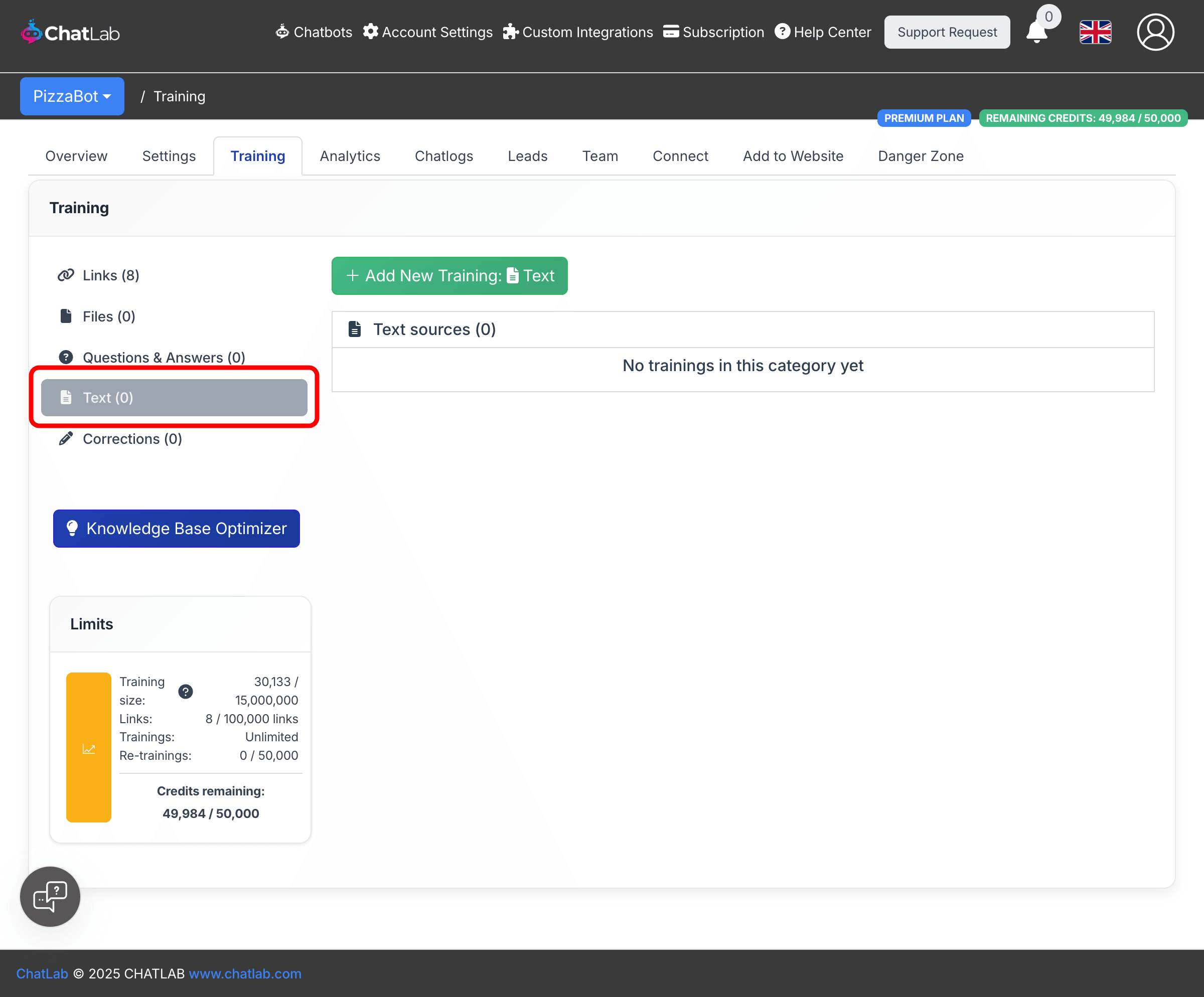
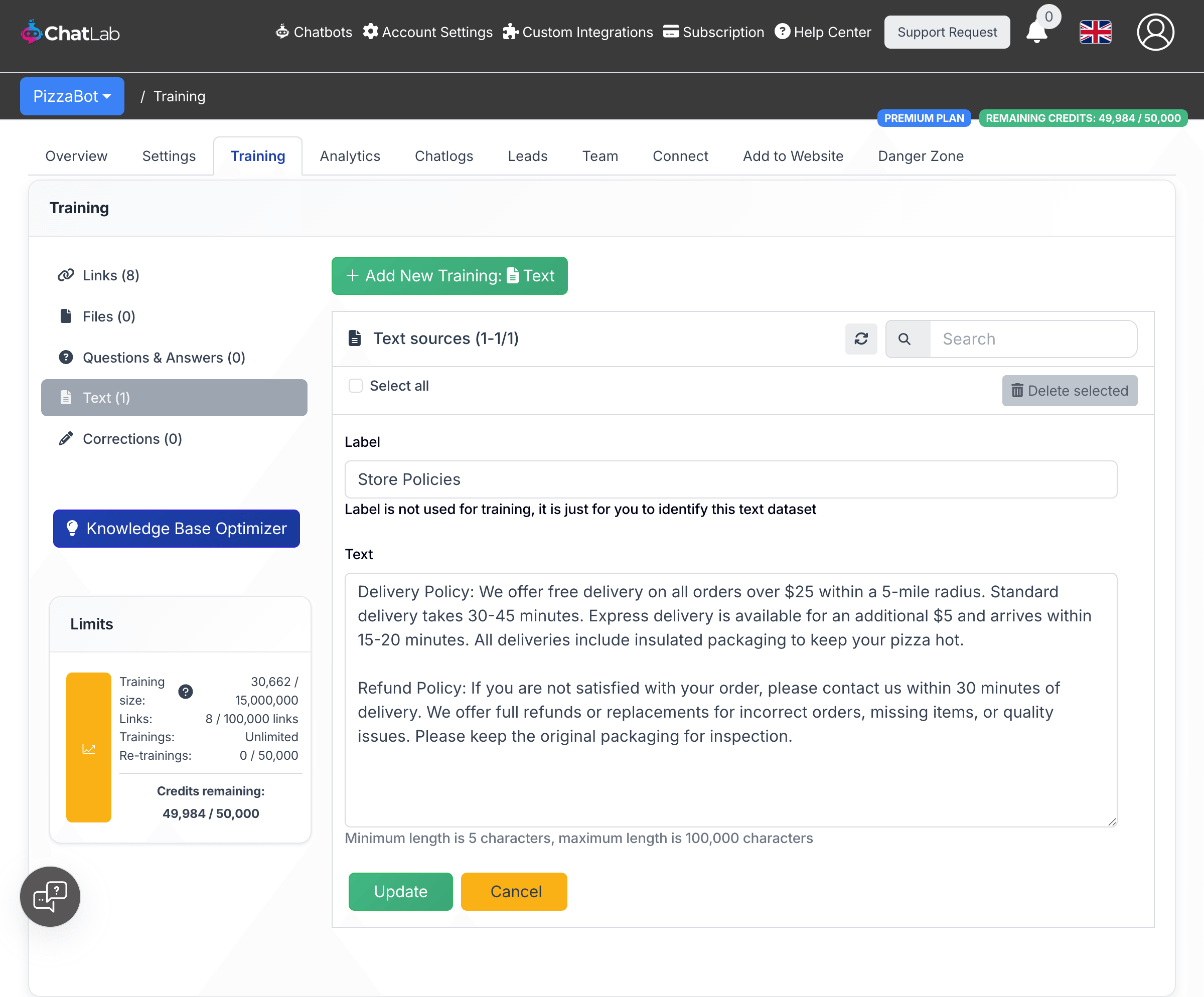
Select your chatbot, then navigate to the Training tab. In the left sidebar, choose Text. This is where you manage all text-based training sources.
How to add text
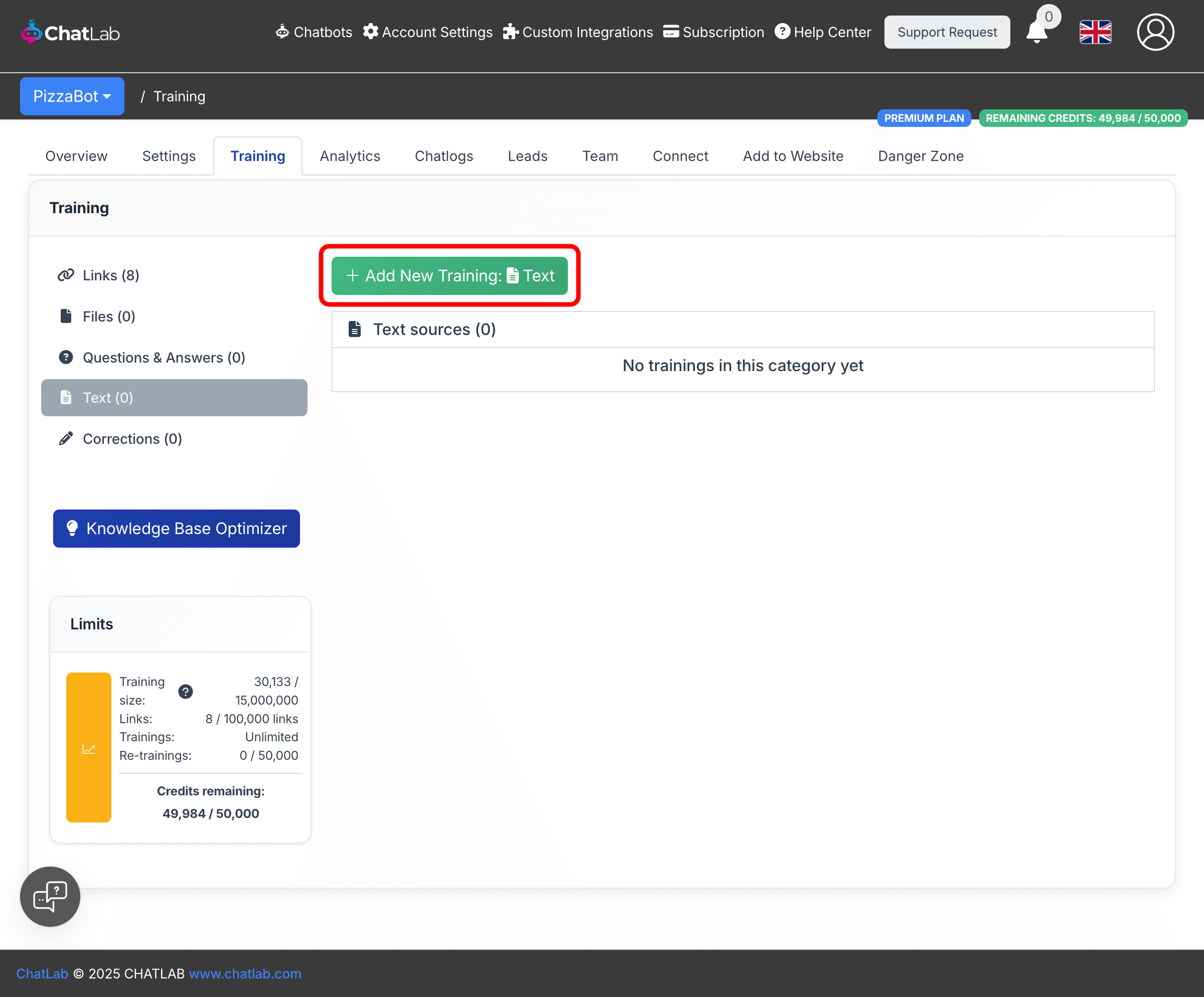
- Click the Add New Training: Text button at the top of the page.
-
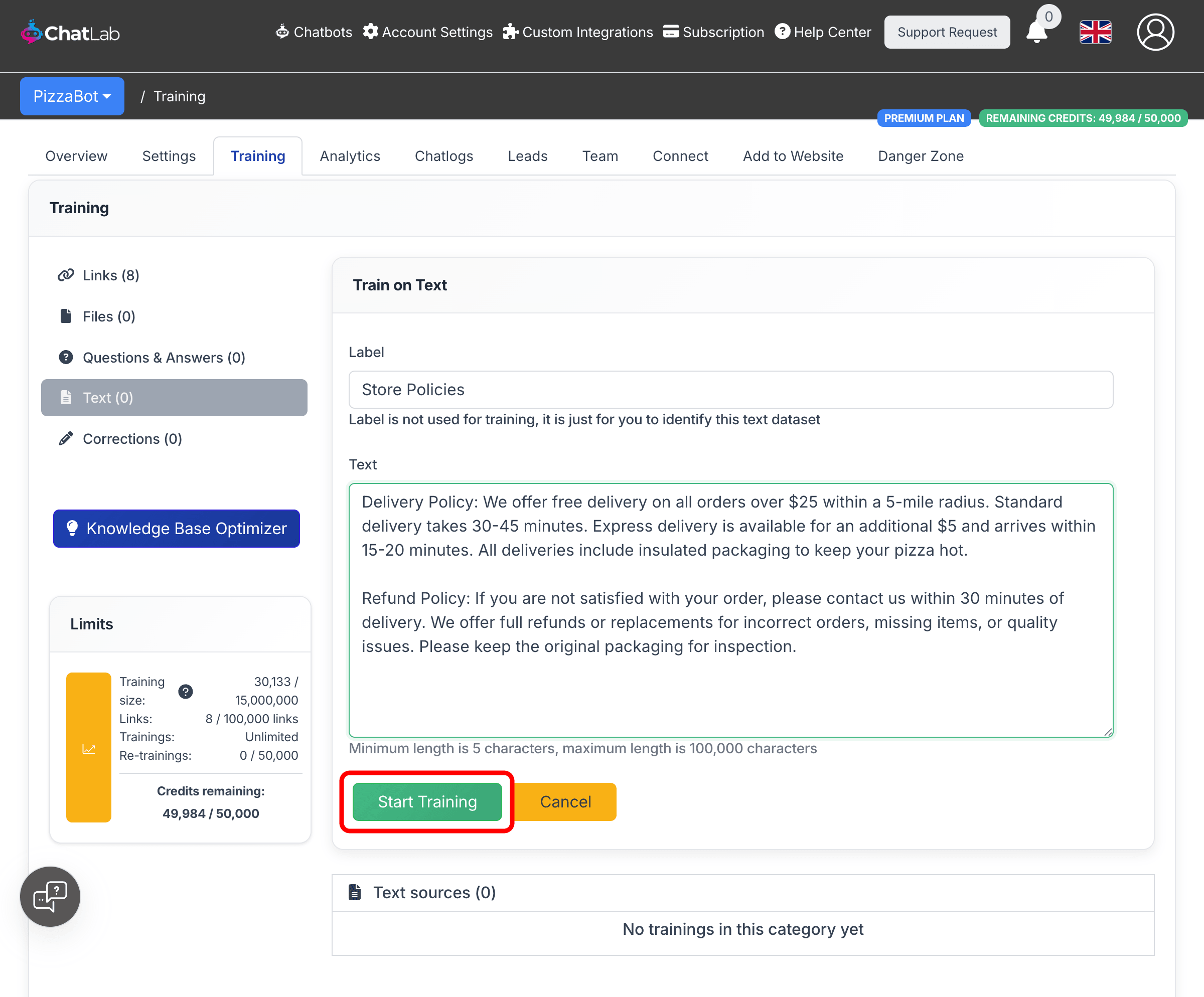
Fill in the form fields:
- Label -- A name to help you identify this text entry. The label is not used for training and will not affect chatbot responses. It is only for your own reference.
- Text -- The content you want your chatbot to learn from. Minimum length is 5 characters, maximum length is 100,000 characters.
-
Click Start Training to begin the training process.
How text processing works
After you click Start Training, ChatLab processes your text in the background:
- Processing -- ChatLab splits the text into chunks optimized for retrieval.
- Training -- The chunks are converted into embeddings and indexed into your chatbot's knowledge base.
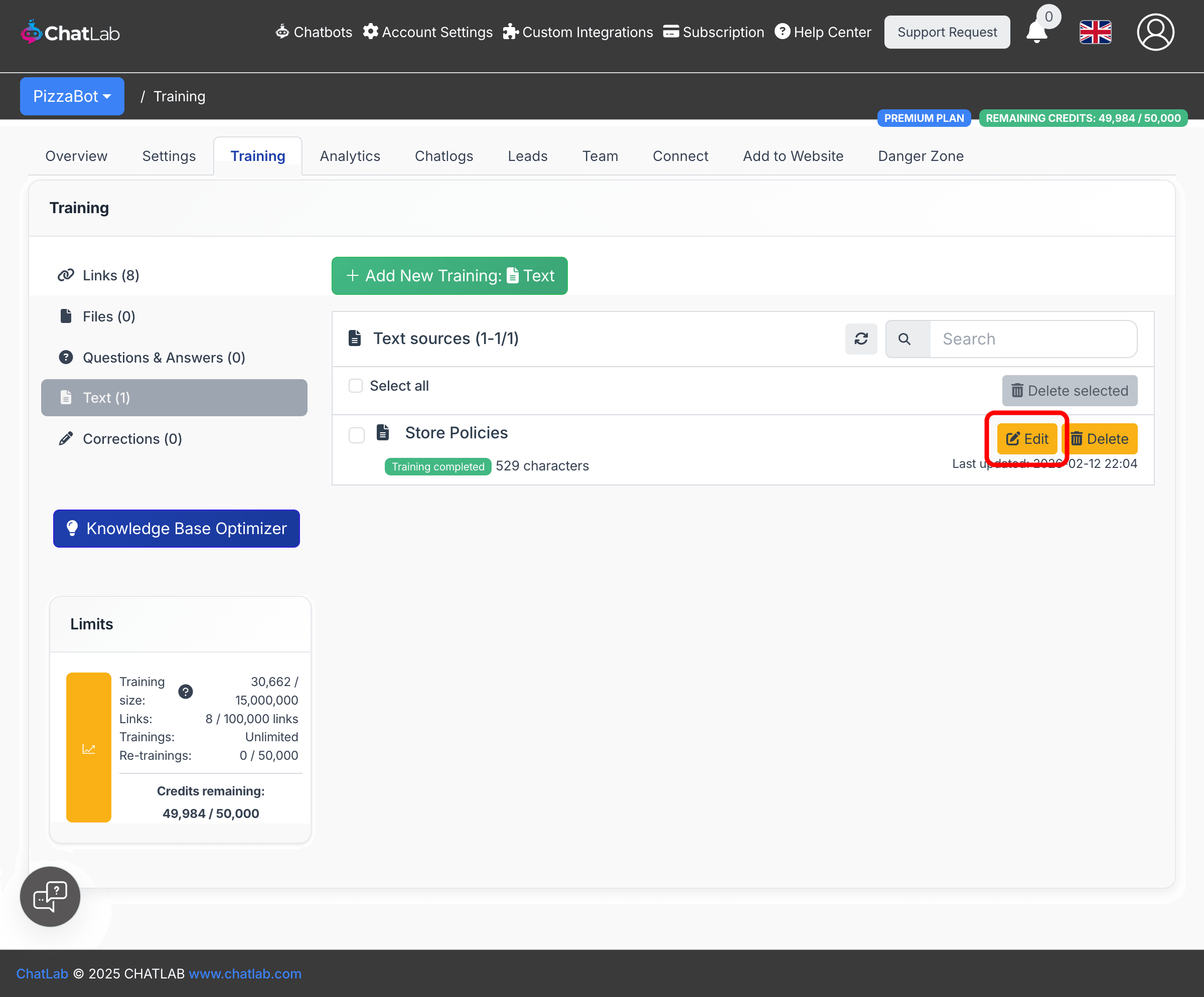
Once training is finished, your text entry appears in the Text sources list with a green "Training completed" status. Each entry shows the character count and the date it was last updated.
Editing existing text
To update a text entry, click the Edit button next to it. The edit form opens inline with the current label and text pre-filled. Make your changes and click Update to retrain with the new content.
When to use text training
- Internal knowledge -- Company policies, procedures, or guidelines that are not published on your website
- Quick updates -- Time-sensitive information like holiday hours, temporary promotions, or event details
- Custom responses -- Specific phrasing or answers you want the chatbot to use for particular topics
- Supplementary content -- Additional context to complement what was already trained from website pages or uploaded files
Related articles
- Training your chatbot: basics and limits -- Understanding training data limits
- Adding new files -- Upload PDF, Word, Excel, and other files
- Adding questions and answers -- Define exact Q&A pairs for precise responses
- Advanced training using Markdown syntax -- Format training data with Markdown