You can pause your chatbot at any time without losing any settings or training data. When paused, the chatbot remains fully configured but will not appear on your website, even though the installation code is still in place.
How to Pause Your Chatbot
-
Navigate to your chatbot (Chatbots > Select Bot > Overview).
-
Find the Status row and click Pause.
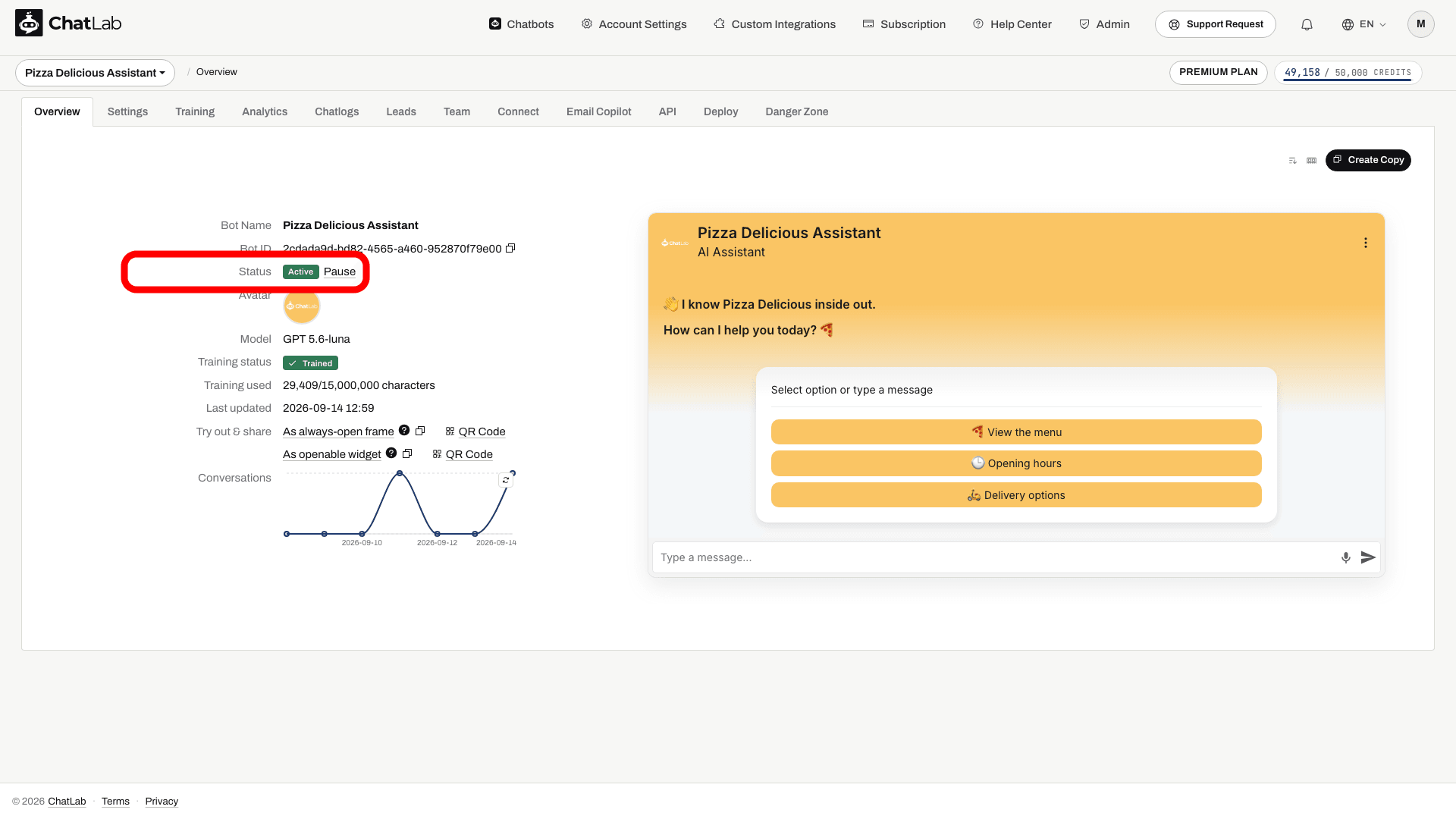
The status changes from Active to Paused and new widget loads should no longer display the chatbot. Reload your website to check the change; do not use an already-open widget as proof of its current status.
Unpausing Your Chatbot
-
Navigate to your paused chatbot (Chatbots > Select Bot > Overview).
-
Find the Status row and click Unpause.
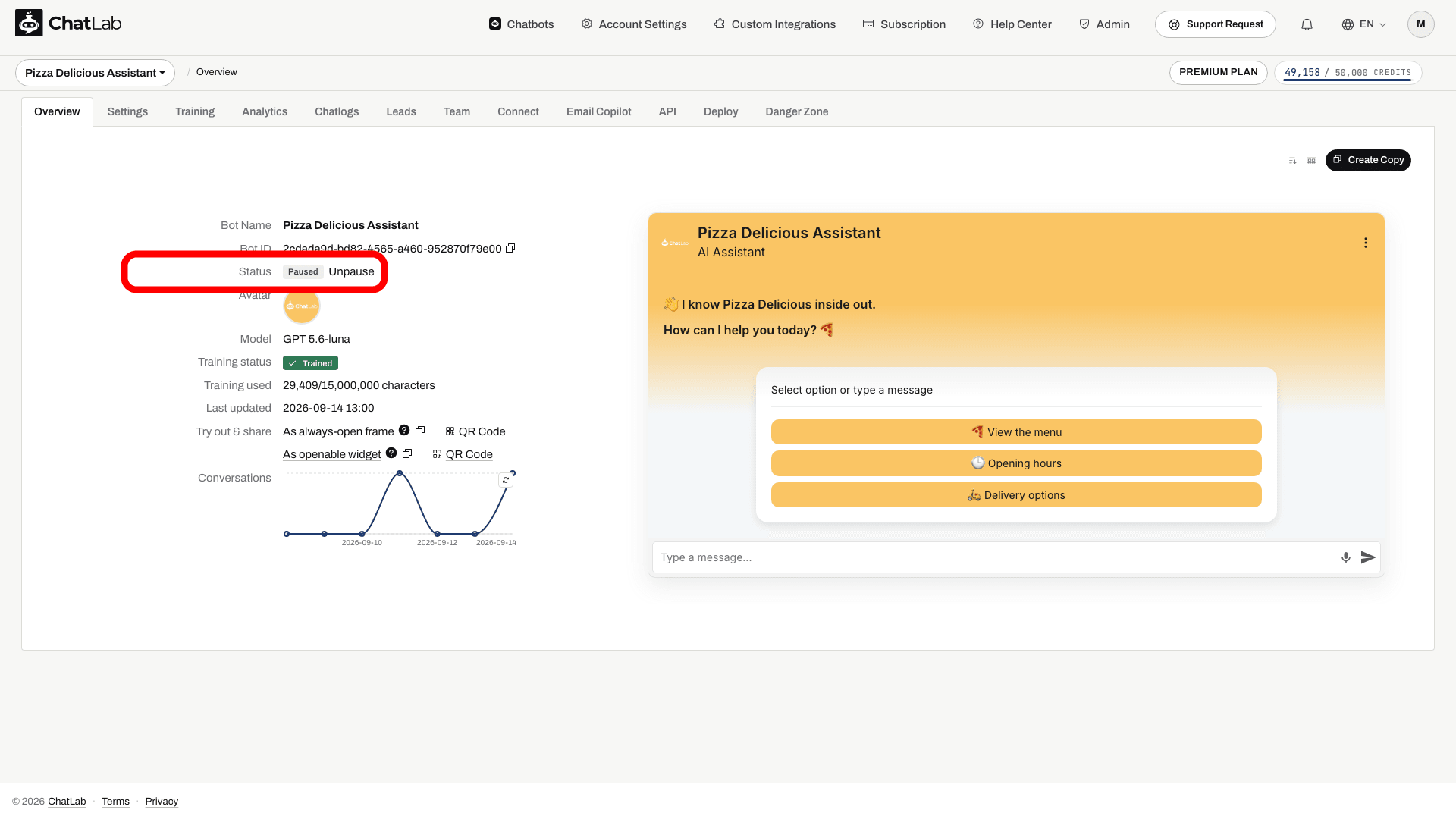
Wait for the status to change to Active, then reload your website and check that the widget is available. Settings and training data are preserved. Existing history remains subject to your retention settings.
Automatic Pausing
The system may pause a chatbot when it exceeds the limits of its current subscription, runs out of message credits, or the subscription becomes past due. Limit-related reasons include:
- The amount of training data exceeds the limit of your current plan.
- The total number of active chatbots exceeds the allowed maximum.
- The number of training links surpasses the allowed maximum.
How to Resolve Automatic Pausing
When a chatbot is automatically paused due to exceeded limits, the Unpause option is hidden until the issue is resolved. To unpause:
- Check which limits are exceeded - hover over the info icon next to the paused status for details.
- Adjust your chatbot's settings to comply with your current plan (reduce training data, remove links, or pause other bots to free an active-chatbot slot).
- Once within limits, the Unpause link reappears on the Overview tab.
For exhausted credits or overdue payment, check Subscription and resolve the displayed issue. Manually paused chatbots are not automatically resumed by the automatic unpause process. Pausing a chatbot does not cancel your subscription or stop data-retention cleanup.